How to Set Up Your Google Business Profile in 15 Minutes
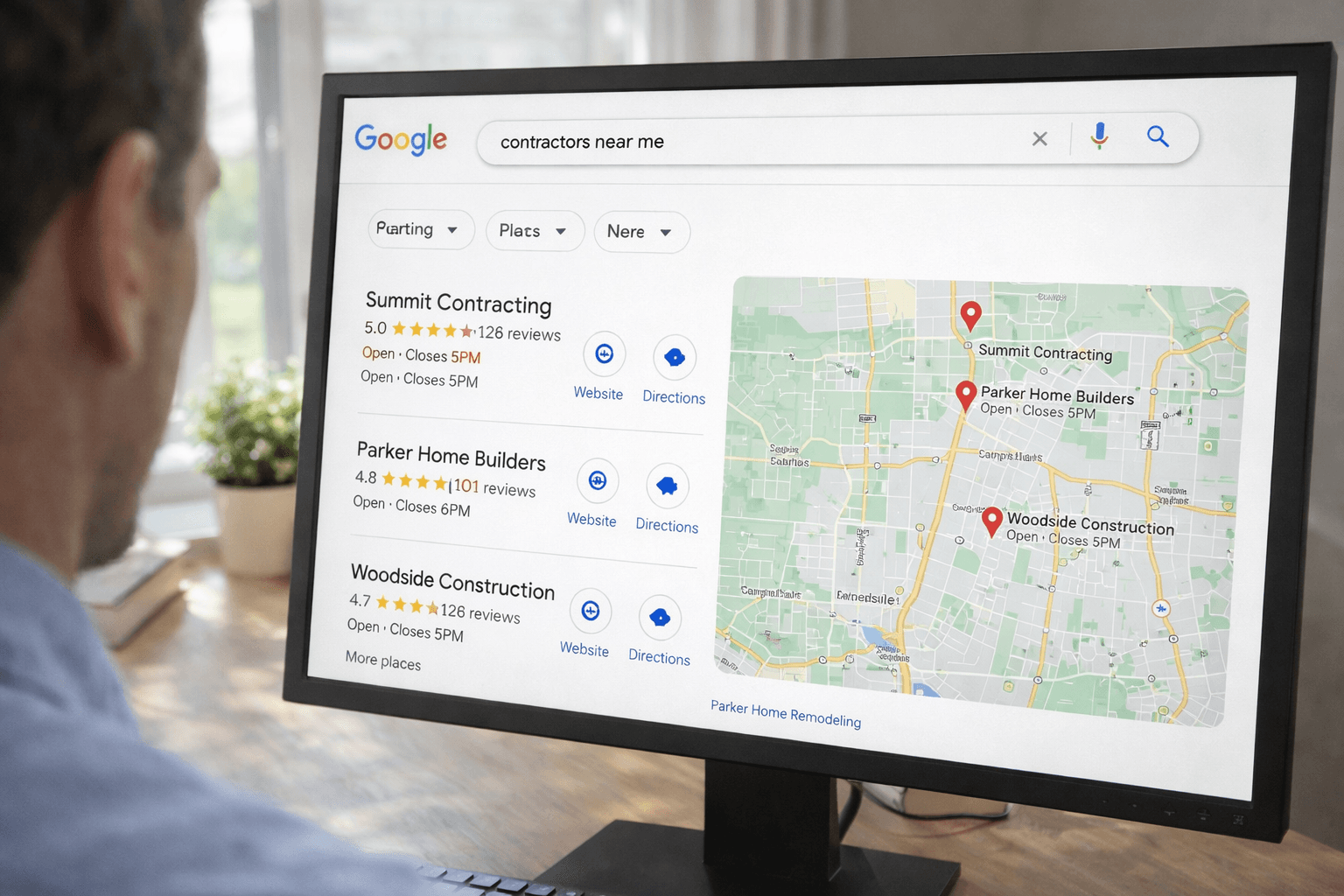
When someone searches "plumber near me" or "electrician in [your city]," Google shows a map with three businesses. That's called the map pack, and it's the most valuable real estate on the internet for a service business.
Getting into that map pack starts with one thing: your Google Business Profile. It's free. It takes about 15 minutes. And most contractors still haven't done it properly.
Here's how to set yours up right now.
Step 1: Go to Google Business Profile
Head to business.google.com and sign in with your Google account. If you don't have one, create one. Use an email you'll actually check because Google will send verification and customer messages here.
Click "Add your business" and type in your business name. If it already shows up (maybe a previous owner listed it, or Google pulled it from public records), claim it. If it doesn't show up, create a new listing.
Step 2: Choose Your Business Category
Google will ask you to pick a category. This matters more than you think. Pick the most specific option that fits. "Plumber" is better than "Home Services." "Roofing Contractor" is better than "Construction Company."
You can add secondary categories later, but your primary category tells Google exactly what you do and who to show you to.
Step 3: Add Your Service Area
If customers come to you (like a restaurant), add your street address. If you go to customers (like most contractors), choose "I deliver goods and services to my customers" and list the cities or zip codes you serve.
Be honest here. Don't claim you serve a 100 mile radius if you really only work within 30 miles. Google pays attention to where your actual customers are.
Step 4: Add Your Contact Info
Add your phone number and website. Use your main business phone, not a personal cell you might not answer. If you don't have a website yet, that's fine. You can add it later. But the phone number is essential because this is how most people will reach you directly from Google.
Step 5: Verify Your Business
Google needs to confirm you're real. They'll usually send a postcard to your business address with a verification code. This takes about five days. Some businesses qualify for phone or email verification, which is faster.
Don't skip this step. Until you're verified, your profile won't show up in search results.
Step 6: Fill Out Every Section
This is where most people drop the ball. They get verified and call it done. But a half filled profile ranks worse than a complete one. Fill out everything.
Business hours. When are you available? Include special hours for holidays.
Services. List every service you offer. Google lets you add descriptions and even pricing. The more specific, the better.
Business description. You get 750 characters. Use them. Describe what you do, where you do it, and what makes you different. Write like a human, not a brochure.
Attributes. Google will ask about things like "veteran owned" or "women owned." Check everything that applies. These show up as badges on your profile.
Step 7: Add Photos
Businesses with photos get 42% more requests for directions and 35% more clicks to their website. That's straight from Google.
Upload at least five photos. Your work truck. A completed project. Your team on the job. Your logo. Even a photo of you shaking a customer's hand. Real photos of your actual business beat stock images every time.
Step 8: Get Your First Review
Here's the thing that accelerates everything. A profile with zero reviews looks sketchy. A profile with even three or four reviews looks established.
Text your last happy customer. Say something like: "Hey, would you mind leaving us a quick Google review? Here's the link." Google gives you a shareable review link right in your profile dashboard.
Don't offer anything in exchange. Just ask. Most satisfied customers are happy to do it if you make it easy.
What Happens Next
Once your profile is verified and filled out, you'll start showing up in local searches. You'll see insights in your dashboard showing how many people found you, called you, or asked for directions.
Check your profile once a week. Respond to reviews (yes, even the bad ones). Post updates when you finish a big job. Google rewards businesses that stay active.
Want More Visibility?
Your Google Business Profile is the foundation. But if you want to show up consistently in the map pack and outrank your competitors, there's more to the picture.
Get a free audit and we'll show you exactly where you stand in local search and what it'll take to get to the top.
<!-- IMAGE PROMPT: Photorealistic 16:9 image of a Google Maps search results screen showing the local 3-pack with contractor business listings, viewed on a desktop monitor in a bright home office, slight over the shoulder angle, sharp focus on screen -->