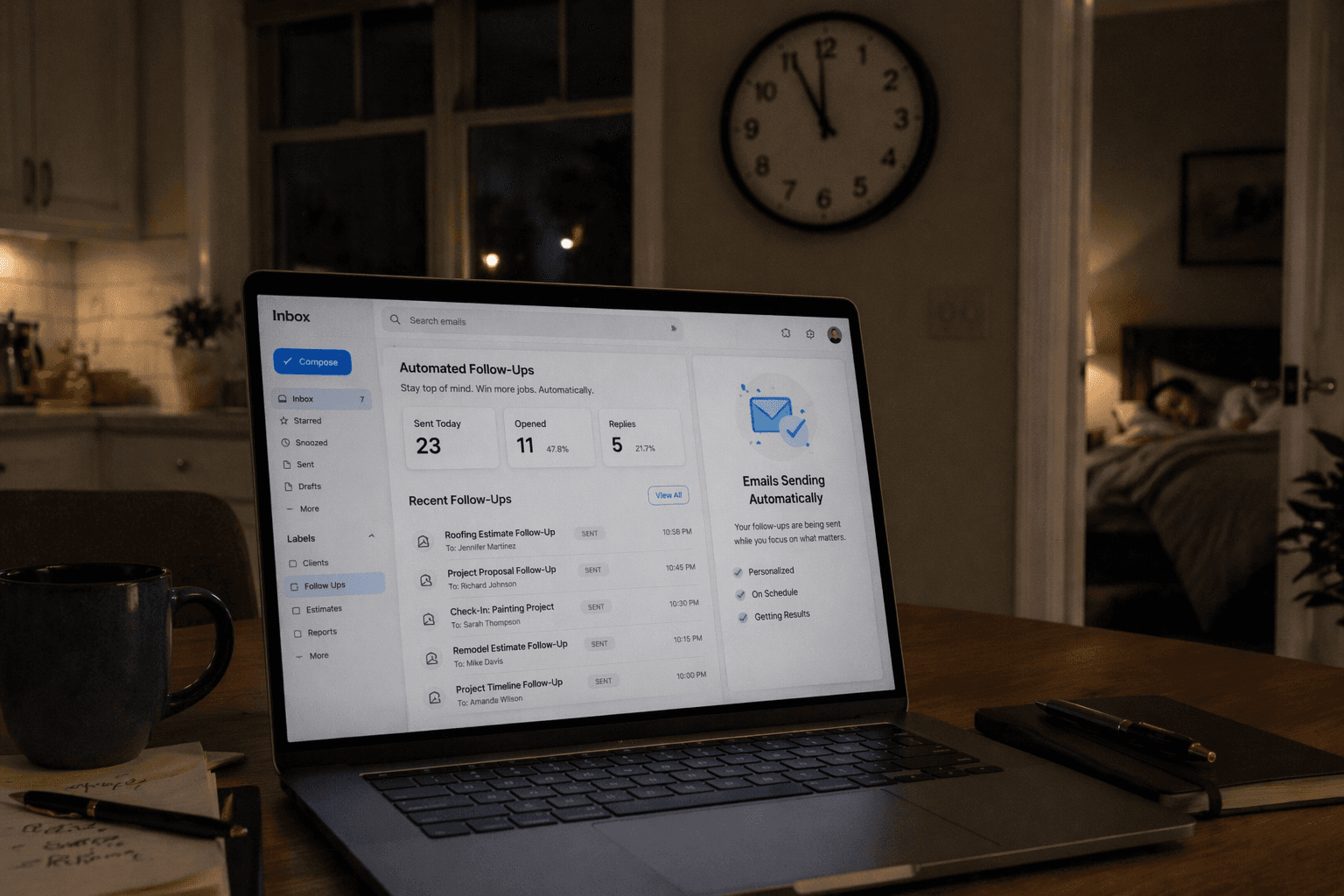
The Lead Came In. Then Nothing Happened.
Someone found your website. They liked what they saw. They filled out your contact form. That's a warm lead. Someone who took the time to type out their name, email, phone number, and what they need.
And then what? It sits in your inbox until you get home from the job site at 6pm. You're tired. You tell yourself you'll get to it tomorrow. Tomorrow comes, you're slammed again. Three days later you finally reply and the customer already hired someone else.
This happens more than most contractors want to admit. Not because they don't care, but because they're busy doing the actual work.
The Automated Sequence That Fixes This
Here's what happens when you set up automated email follow ups. A customer fills out your form. From that moment, they get a series of emails without you doing a single thing.
Email 1: Instant Confirmation (sends immediately)
This goes out the second they hit submit. It says something like:
"Thanks for reaching out! We got your request and someone from our team will be in touch within 24 hours. In the meantime, here's a little about what we do and why our customers trust us."
This matters because it tells them you're real, you're professional, and you didn't just swallow their information into a black hole. It sets the expectation for when they'll hear from you.
Email 2: The Check In (sends at 24 hours)
If you haven't personally responded yet, this one goes out automatically:
"Just wanted to follow up on your request. We are reviewing the details and will get back to you shortly. If you need something sooner, you can call us directly at [number] or book a time that works for you here."
This keeps you top of mind. It also gives them an easy way to take the next step themselves if they're in a hurry.
Email 3: The Nudge (sends at 72 hours)
If there's still been no response from the customer (maybe they got busy too), this email goes out:
"Hi [name], we wanted to make sure your [service type] request didn't slip through the cracks. We'd still love to help. Reply to this email or give us a call and we'll get you taken care of."
This is the email that catches the people who meant to respond but forgot. Life gets in the way. A gentle nudge at the right time brings them back.
Why Each Touchpoint Matters
There's a reason this isn't just one email. Research shows it takes an average of 5 to 7 touchpoints before someone takes action. Most businesses give up after one.
The instant confirmation builds trust. The 24 hour check in shows professionalism. The 72 hour nudge catches the people who slipped through the cracks. Each one serves a different purpose and together they dramatically increase your chances of closing the job.
You Don't Touch Any of It
That's the key. You set up the sequence once. Every new form submission triggers it automatically. The emails go out on schedule whether you're on a job site, on vacation, or asleep.
When the customer replies, you get notified and pick up the conversation personally. But all the heavy lifting of staying in front of them? That's handled.
What This Actually Looks Like in Numbers
Let's say you get 30 form submissions per month. Without follow up automation, maybe you respond to 20 of them within 48 hours. The other 10 get a delayed response or no response at all.
With automated follow ups, all 30 get an instant confirmation. All 30 get the 24 hour check in. The ones who haven't engaged get the 72 hour nudge.
If that sequence recovers even 3 to 5 extra leads per month that would have otherwise gone cold, and your average job is worth $2,000, that's $6,000 to $10,000 per month in revenue you were previously losing.
It Works for Estimates and Quotes Too
This isn't just for contact forms. The same logic applies after you send an estimate or quote. How many times have you sent a detailed quote and then just waited? Hoping they would call back?
An automated follow up after a quote can include a reminder of what you discussed, a link to approve the estimate, and a deadline to create urgency. "We'd love to get you on the schedule. We have availability next week if you'd like to move forward."
That follow up alone can close jobs that would have otherwise faded away.
Stop Letting Leads Go Cold
You worked hard to get those leads to your website. Your SEO, your ads, your reputation, all of it drove someone to fill out your form. Don't waste that by being too busy to follow up.
Let automation handle the follow ups so every lead gets the attention they deserve, even when you can't give it yourself.
Want to see what an automated follow up sequence would look like for your business? Get a free audit and we'll build one for you.
Related: The Follow Up That Turns a Maybe Into a Yes | How to Stop Losing After Hours Leads
<!-- IMAGE PROMPT: Photorealistic 16:9 image of a laptop on a kitchen table at night showing an email inbox with automated follow up emails being sent, a clock on the wall showing 11pm, warm ambient home lighting, suggesting business working while the owner sleeps -->