The Complete Automation Checklist for Home Service Businesses
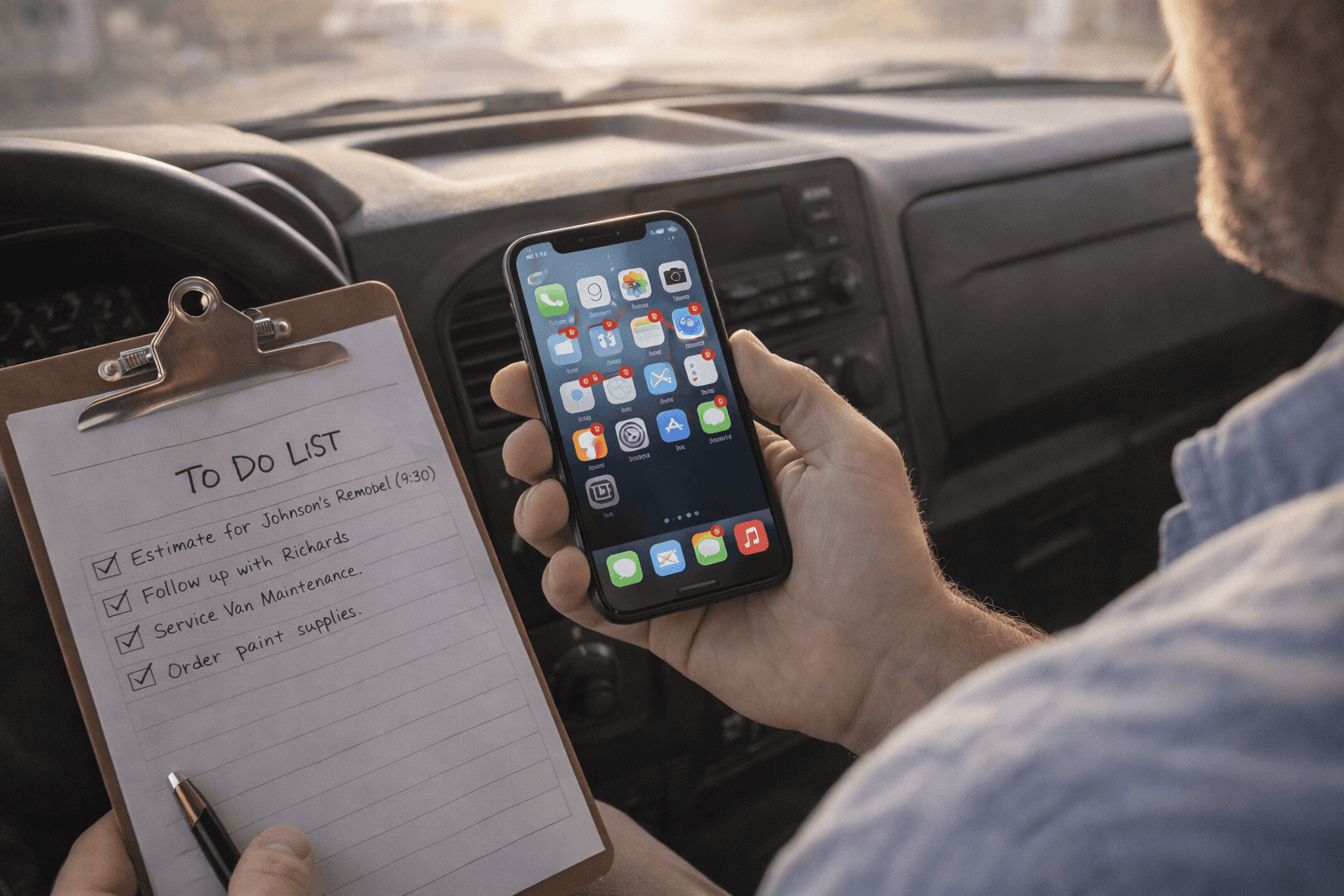
You started your business to do the work. Not to chase invoices, follow up on estimates, or remember to text customers back. But somehow, that's where half your day goes.
The good news? Most of the administrative tasks eating your time can run on autopilot. Not "someday when you can afford it." Right now. With tools that cost less than one missed job per month.
Here's a complete automation checklist for home service businesses. Go through it honestly. Check off what you already have. Everything you don't have is a gap that's costing you time, money, or both.
Missed Call Text Back
What it does: When you can't answer a call, an automatic text goes to the caller within seconds. Something like "Hey, sorry I missed your call. How can I help?"
Why it matters: 80% of callers won't leave a voicemail. They'll just call the next company. A quick text keeps them engaged instead of moving on. It buys you time to call back without losing the lead entirely.
Do you have this? If not, this is your number one priority. It's the single highest ROI automation for any service business.
Automated Review Requests
What it does: After a job is marked complete, an automated text or email goes to the customer asking for a Google review with a direct link.
Why it matters: You know you should ask for reviews. But at the end of a long day, it's the first thing you forget. Automation makes it consistent. Instead of getting one or two reviews a month when you remember, you get five or ten because every customer gets asked.
Do you have this? If you have fewer than 30 Google reviews, you need this yesterday.
Appointment Reminders
What it does: Sends the customer a text or email 24 hours before their appointment. "Just a reminder, we'll be at your place tomorrow at 9am."
Why it matters: No shows and "oh I forgot" calls waste your entire schedule. A simple reminder cuts no shows dramatically. It also makes you look professional and organized.
Do you have this? If you're still calling customers the night before to confirm, this saves you 30 minutes a day minimum.
Estimate Follow Ups
What it does: After you send an estimate, an automated message goes out 24 to 48 hours later. "Hey, just checking in. Any questions about the estimate we sent over?"
Why it matters: Most estimates that go cold aren't lost because of price. The customer just got busy and forgot. A simple follow up brings them back. Contractors who follow up within 48 hours close 30 to 40% more estimates than those who don't.
Do you have this? If you're sending estimates and then waiting for the phone to ring, you're leaving money on the table.
After Hours Auto Responder
What it does: When someone calls or texts after business hours, they get an automatic response acknowledging their message and letting them know when to expect a callback.
Why it matters: Emergencies don't respect business hours. Even if you can't take the job at midnight, capturing that lead means you can call them first thing in the morning. Without an auto responder, they're calling your competitor who does answer.
Do you have this? If your phone goes to voicemail after 5pm with no other system in place, you're losing after hours leads every week.
Lead Notifications
What it does: When a new lead comes in from any source (website form, Google, social media), you get an instant notification on your phone with the lead's info.
Why it matters: Speed to lead wins jobs. If a website form submission sits in your inbox for three hours, that lead is ice cold by the time you see it. Instant notifications let you respond in minutes, not hours.
Do you have this? If you're checking your email once or twice a day to find new leads, you're too slow.
Invoice Reminders
What it does: Sends automatic payment reminders when invoices are due and again when they're overdue. Friendly at first, more direct as time goes on.
Why it matters: Chasing payments is awkward and time consuming. Automated reminders take the personal discomfort out of it. The customer gets a professional reminder, you get paid faster, and nobody feels weird about it.
Do you have this? If you're spending time every week texting customers about overdue payments, this is a quick win.
Post Job Follow Up
What it does: A few days after a job is completed, an automated message checks in. "How's everything looking? Any questions or concerns?"
Why it matters: This is how you turn one time customers into repeat customers and referral sources. A quick check in shows you care about the work, not just the payment. It also catches any issues before they turn into bad reviews.
Do you have this? If you finish a job and never talk to the customer again unless they call you, you're missing a retention opportunity.
How Many Did You Check Off?
If you have all eight, you're ahead of 95% of home service businesses. Seriously.
If you have three or four, you're doing better than most but there's clear room to grow.
If you have one or none, don't panic. You don't need to set up everything at once. Start with missed call text back and review requests. Those two alone will make a noticeable difference within a month.
The point isn't to automate everything overnight. It's to stop doing manually what a system can do better, faster, and more consistently than you ever will.
Want help figuring out which automations will move the needle most for your business? Get a free audit and we'll map out exactly what you need and what you can skip.
<!-- IMAGE PROMPT: Photorealistic 16:9 image of a home service business owner sitting in a clean office or truck cab, looking at a smartphone showing multiple notification badges, with a checklist on a clipboard beside them, warm morning light, organized and productive atmosphere -->